How to find lost earbuds, step by step
Pick your earbuds and where you lost them, and the checklist below shows what to try first: the brand's own ring feature, the last known location and the spots earbuds usually hide. The radar tab shows how a Bluetooth finder reads signal strength. The free Android app does it for real: walk around and it tells you when you are getting closer.
Find your lost earbuds
5 of 5 steps to try
On an iPhone, iPad or Mac signed in to the same Apple Account, open Find My, choose your AirPods and tap Play Sound. It only works while they are out of the case and connected nearby. On Android there is no Find My app; sign in at icloud.com/find in the browser instead.
On supported AirPods, Find Nearby in Find My guides you with a closer or farther hint while you walk.
Earbuds that are on and charged keep sending a Bluetooth signal, usually readable within about 10 to 30 metres. A Bluetooth finder app shows that signal getting stronger as you get closer. Move slowly, pause a few seconds at each spot and follow the trend, not single readings.
Between sofa cushions, under the bed and pillows, coat and trouser pockets, the washing basket, bags, the car seat gaps and the desk. Use a torch at floor level: a flat beam along the floor makes small objects cast a long shadow.
A single bud can often be found the same way as a pair. Many makers sell a replacement single bud or case through their support or store, so check that before buying a whole new set.
Follow the signal for real
A web page cannot hear Bluetooth devices around you. The Android app can: it turns your phone into a hot-and-cold radar for earbuds, watches, bands and any other Bluetooth device that is on nearby:
- Hot-and-cold radar: smoothed signal strength, a rough distance zone and an arrow that says whether you are walking the right way
- Beeps speed up and the phone vibrates faster as you get closer; sound and vibration switch on or off separately
- Save a device once and find it with one tap next time
- Notify me when it shows up: keeps listening for up to 30 minutes with the screen off and buzzes when your device appears
- Pro mode BLE scanner: signal bars, manufacturer, filters and sorting, a 60-second signal chart, services and manufacturer data
- GATT inspector: read, write and subscribe to characteristics, battery level and device information
- Heart rate monitor for standard Bluetooth straps, with zones, RR intervals and a session timer
- Check for unknown trackers near you, plus iBeacon, Eddystone and AltBeacon parsers

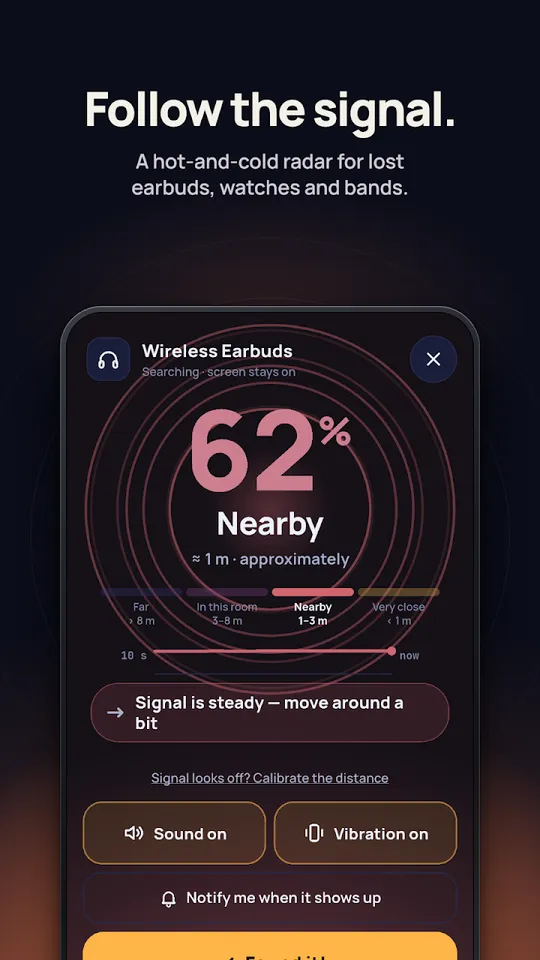
Follow the signal 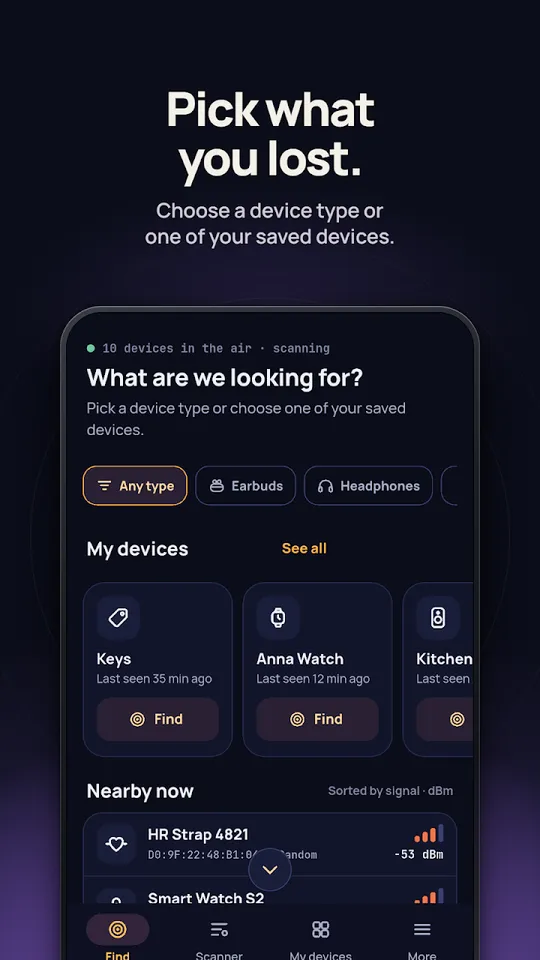
Pick what you lost 
Found it 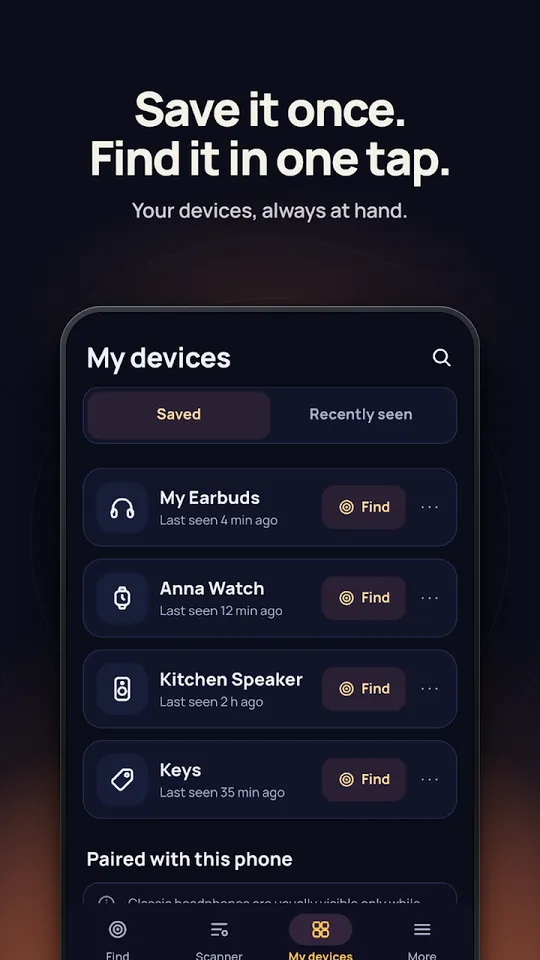
Save it once, find it in one tap 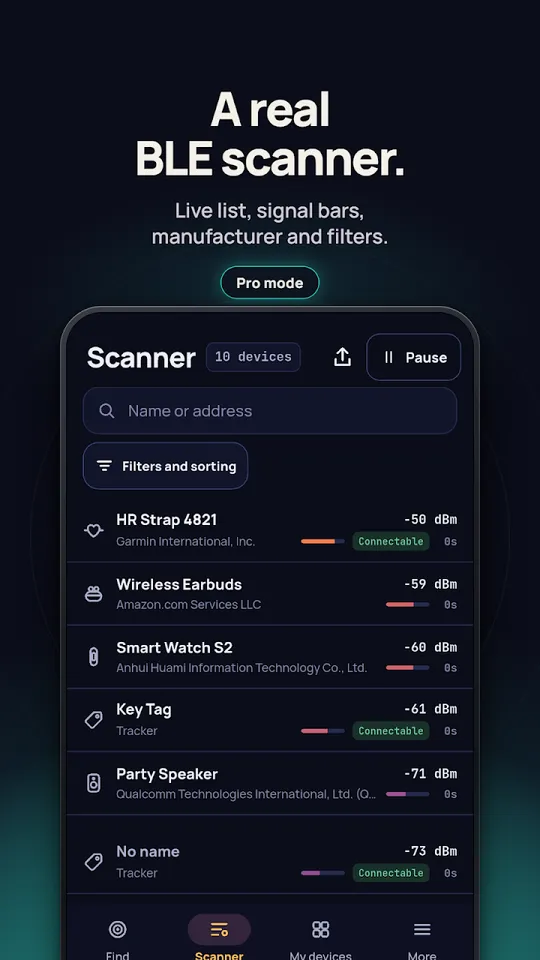
A real BLE scanner 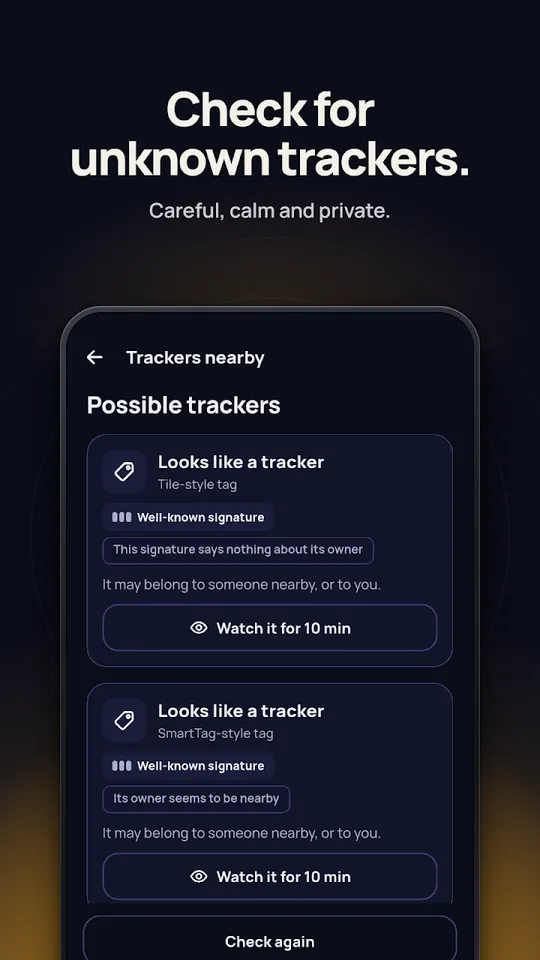
Check for unknown trackers 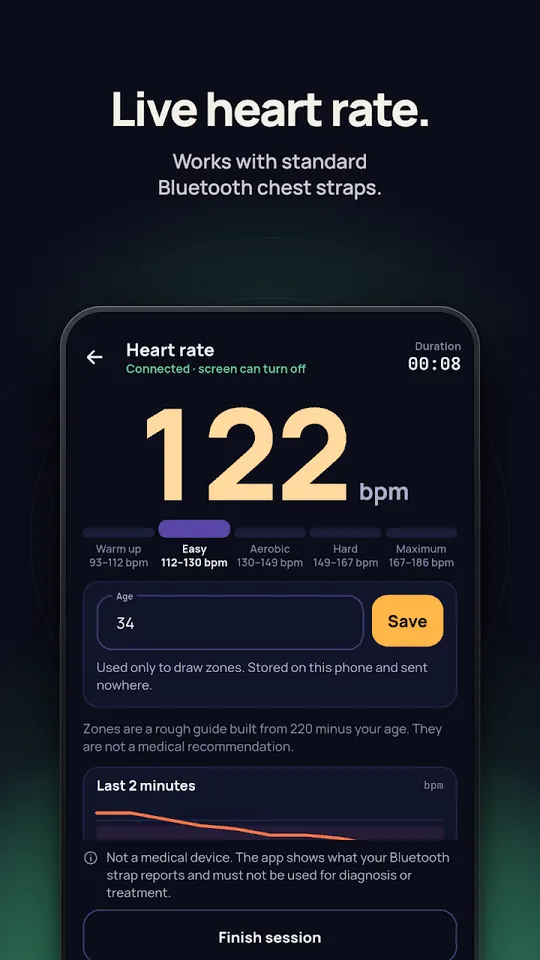
Live heart rate 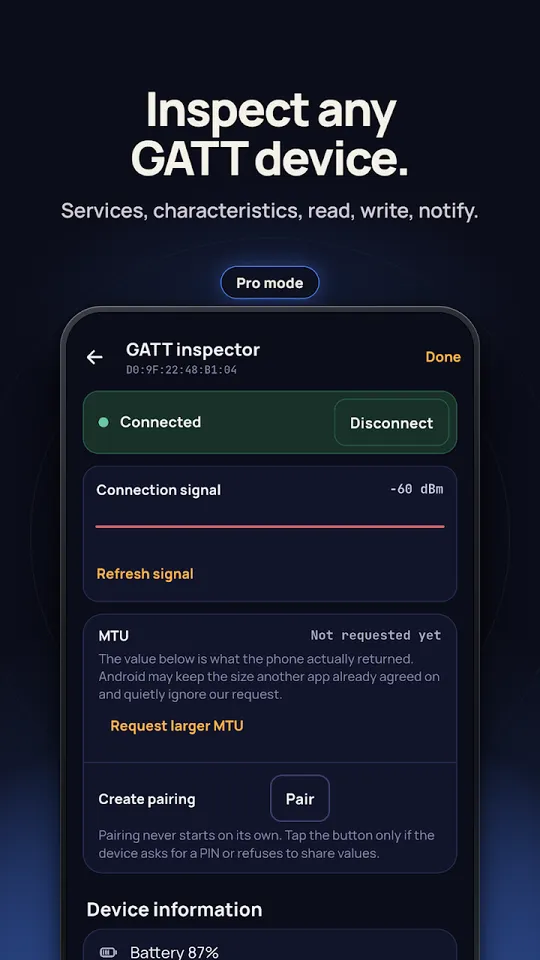
Inspect any GATT device
How to find lost earbuds in the house
Most lost earbuds never left home. Before any app, spend five calm minutes on the places they usually fall into:
- Between and under sofa cushions, and under the sofa itself.
- In the bed: under pillows, inside the duvet cover, between the mattress and the wall.
- Pockets of the coat, jeans and hoodie you wore last, and the washing basket.
- Bags, gym bag side pockets and the gaps around car seats.
- Desk, bathroom shelf and kitchen counter, where they get put down for a second.
Switch off the main light and shine a torch flat along the floor. A small object then throws a long shadow and is much easier to spot under furniture.
Find my earbuds: the built-in finder for each brand
Most big brands can ring their earbuds from an app, but only while the buds are on, charged and within Bluetooth range of your phone. Out of range, you get a last known location at best.
| Earbuds | App | Ring | Last location |
|---|---|---|---|
| AirPods | Find My (iPhone, iPad, Mac) or icloud.com/find | Play Sound, out of the case and nearby | Yes; Find My network on supported models |
| Galaxy Buds | SmartThings Find, Samsung Find, Galaxy Wearable | Ring, Play sound | Yes, in SmartThings Find |
| Pixel Buds | Find Hub (formerly Find My Device) | Play sound, each bud or the case | Yes; Find Hub network on Pro 2 and 2a |
| Sony | Google Find Hub on Android, on supported models | Not on headphones, per Sony | Short distance only |
| JBL | JBL Headphones app, Find My Buds | Yes, while in range | Place and time of last use |
How to find lost AirPods, also with Android
On an iPhone, open Find My, tap Devices and choose your AirPods. Play Sound works when they are out of the case and connected; newer models also offer Find Nearby, which says whether you are getting closer. If they are offline, Find My shows when and where they last connected, and you can turn on Mark as Lost.
There is no Find My app for Android. Sign in at icloud.com/find in a phone browser to see the same map. Any Bluetooth scanner on Android can still pick up AirPods that are on and nearby and show whether the signal gets stronger as you move.
How to find lost Galaxy Buds
Samsung lists three routes: Samsung Find, SmartThings Find and the Galaxy Wearable app. In SmartThings, open Life, then Find, choose the Buds and tap Ring. On newer Galaxy phones the Buds also appear in Settings with a Find My Earbuds option. The exact steps change with the phone and with whether the Buds are still connected.
How to find lost Pixel Buds
Open Google's Find Hub app, pick your Pixel Buds and tap Play sound. If the buds are out of the case you can ring the left bud, the right bud or the case on its own. The sound starts quietly and rises over about 20 seconds; any gesture on the bud stops it. Pixel Buds Pro 2 and 2a can be found while disconnected if Find when disconnected was turned on in the Pixel Buds app.
How to find earbuds that are not connected or dead
A Bluetooth earbud is findable only while it has power and is sending a signal. Once the battery is empty, nothing can ring it or measure it: not the brand's app and not a finder app. What is left is the last known location, which brand apps record when the buds disconnect from your phone, and your own memory of where you last listened.
Not connected is a different case. Buds that are out of the case and charged usually keep advertising even when they are not paired to anything right now, so a scanner can still see them. Buds sitting in a closed case may stop advertising, so open the case if you find it and are looking for the buds themselves.
How a Bluetooth finder app works
Every Bluetooth device sends small advertising packets several times a second. Your phone reports how strong each packet arrived, the RSSI, in dBm: around -40 right next to it, -60 at about a metre, -90 at the edge of range. A finder smooths those readings and turns them into a hot-cold signal. That is what the radar above simulates.
The number is not a distance. Walls, your body, a pocket or a cushion all weaken the signal, so the same earbuds can read as two metres away or eight. That is why a finder says warmer or colder and gives a rough zone, never exact metres. Walk slowly, stop for a few seconds in each spot, and follow the trend.
Lost one earbud or the case
A single bud is found the same way as a pair: if it is charged and out of the case it advertises on its own, and Find My, Find Hub and SmartThings can ring each side separately. If it is gone for good, check the maker's support before you buy a new set; many makers, Apple and Samsung among them, replace a single bud or case.
Questions
Can I find my earbuds if they are dead?
Not by signal. An earbud with an empty battery sends nothing, so no app can ring it or measure it. Check the last known location in Find My, SmartThings Find or Find Hub and search where you last used them.
Can I find lost AirPods with an Android phone?
There is no Find My app for Android, but you can sign in at icloud.com/find in the browser. A Bluetooth finder app on Android can also pick up AirPods that are on and nearby and show when you get closer.
How far away can a Bluetooth finder detect earbuds?
Roughly 10 to 30 metres, depending on the earbuds and the walls in between. Beyond that the phone stops hearing them and only a last known location is left.
Can a website scan for Bluetooth devices near me?
Not in a useful way. Browsers do not let a page read the signal strength of devices around you, which is why the radar on this page is a simulation and the real search needs an app.
Does a Bluetooth finder show the exact distance?
No. Walls, your body and cushions all weaken the signal, so the distance is only a rough zone. Follow whether the signal gets stronger or weaker as you walk.
Is Bluetooth Finder free?
Yes, with ads. One short video removes all ads for a few minutes or unlocks extra tools. It needs no account and sends nothing about your devices anywhere.

Hear when you are getting closer
Free on Android, with ads. No account, no internet needed, nothing sent anywhere. Works with the phone in your pocket.
Facts from the Google Play listing, last checked .