Braille translator and braille alphabet chart
Type any English text to see it in braille, cell by cell, and copy it as braille characters. Found dots on a lift button or a door plate? Tap them in and read the sign. The chart, numbers and contractions are below, and the free Android app teaches you to read and write braille yourself.
Braille translator
⠠⠇⠊⠋⠞⠀⠼⠉⠂⠀⠠⠋⠇⠕⠕⠗⠀⠼⠃
- cap
- L
- i
- f
- t
- ␣
- #
- 3
- ,
- ␣
- cap
- F
- l
- o
- o
- r
- ␣
- #
- 2
cap capital sign · # number sign · g1 grade 1 indicator, ends a number before a letter a–j
Learn to read braille yourself
The translator does the work for you. The Android app teaches you to do it without one: short lessons, a rule card after every mistake and review that brings back the signs you miss, offline and free:
- The braille cell, letters by decades, numbers, the capital sign and punctuation
- UEB grade 2: wordsigns, strong contractions, groupsigns, lower signs, initial- and final-letter contractions, shortforms
- Read a sign, then write it by tapping dots; a missed question comes back at the end of the level
- After every mistake a rule card explains why, with examples, and adds the sign to your review deck
- Spaced repetition, mixed review, dictation and chapter challenges
- Sign decoder for lift buttons and door plates, with history and notes; no camera needed
- Ukrainian and Russian braille, plus grade 1 for German, Spanish, French, Italian, Portuguese, Polish, Czech, Slovak, Swedish and Turkish
- Speech and vibration for every sign, TalkBack support, high contrast themes and cells up to 2.5 times larger

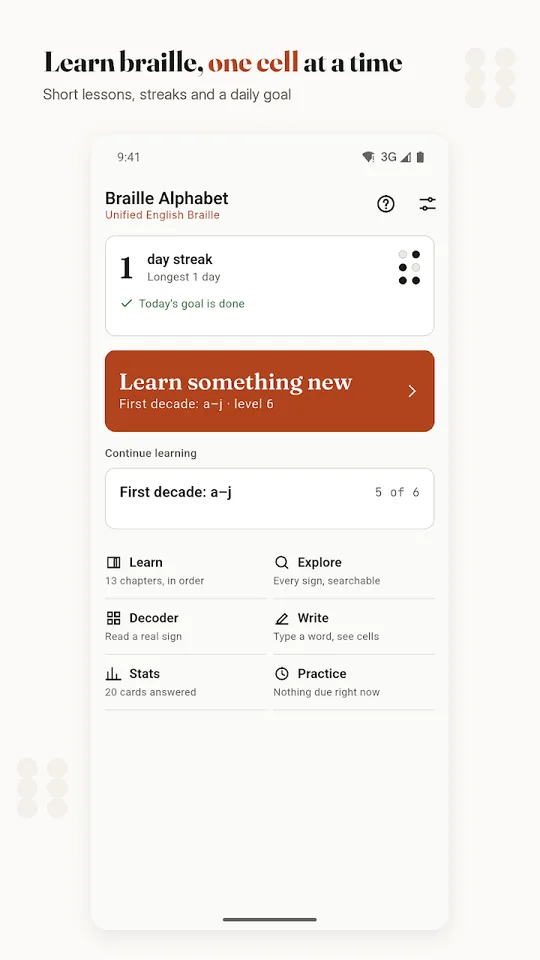
Short lessons and a daily goal 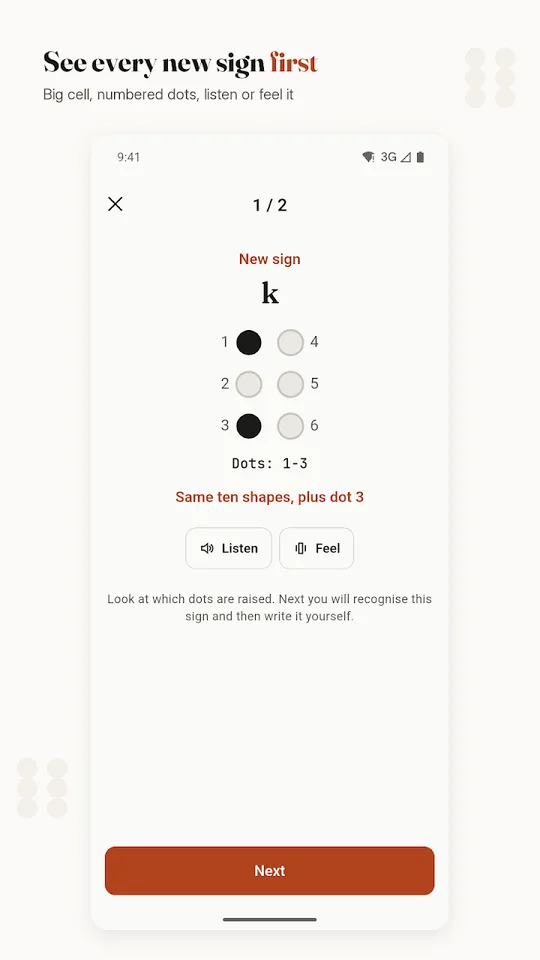
Every new sign shown first 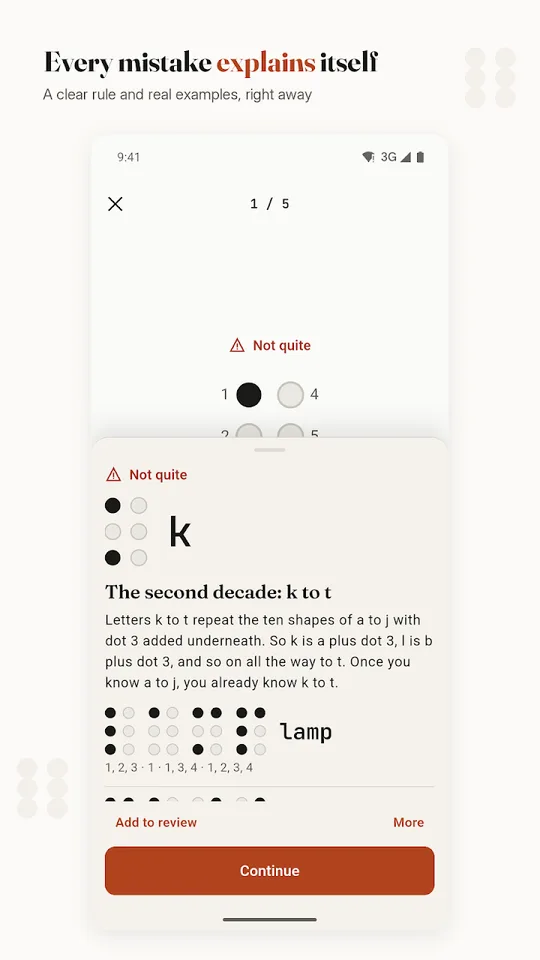
Every mistake explains itself 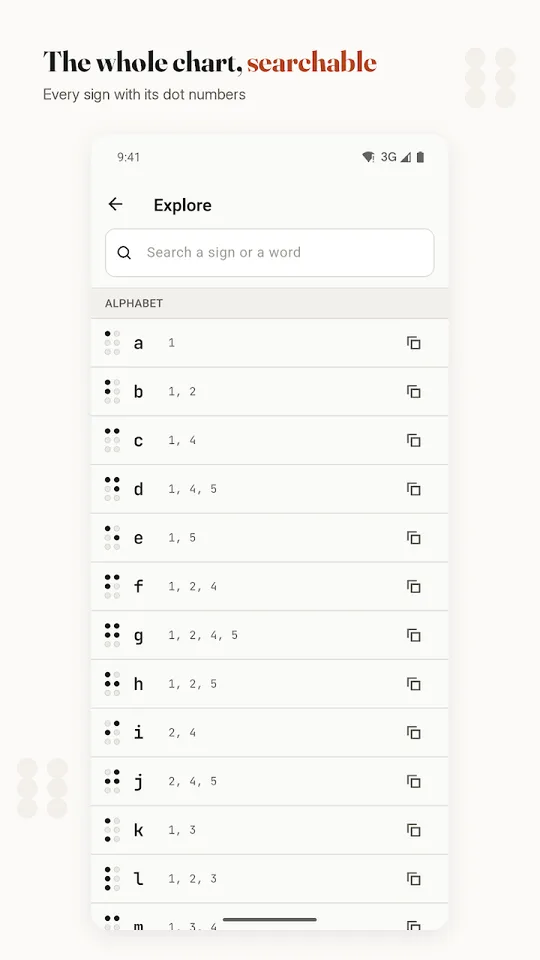
The whole chart, searchable 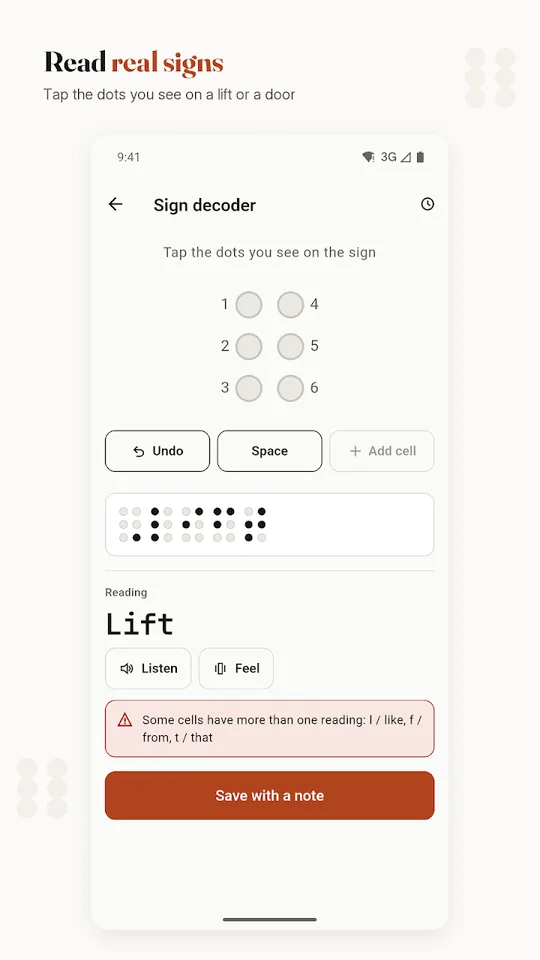
Read real signs 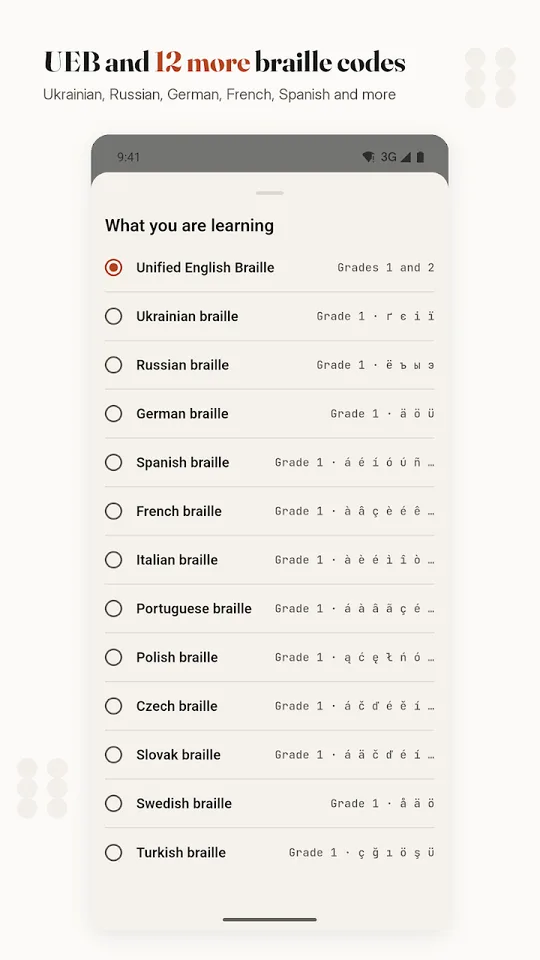
UEB and 12 more codes
Braille alphabet chart, A to Z
A braille cell has six dot positions in two columns of three. Dots 1, 2 and 3 run down the left column, dots 4, 5 and 6 down the right. Every letter is a pattern of raised dots in that cell, and the alphabet is built in three rows of ten, called decades. Learn the first ten shapes and you already know most of the rest.
Tap a braille character under a letter to copy it.
First decade, a–j dots 1, 2, 4 and 5 only
- A1
- B1 2
- C1 4
- D1 4 5
- E1 5
- F1 2 4
- G1 2 4 5
- H1 2 5
- I2 4
- J2 4 5
Second decade, k–t the first decade plus dot 3
- K1 3
- L1 2 3
- M1 3 4
- N1 3 4 5
- O1 3 5
- P1 2 3 4
- Q1 2 3 4 5
- R1 2 3 5
- S2 3 4
- T2 3 4 5
Third decade, u–z the first decade plus dots 3 and 6 (w is the exception)
- U1 3 6
- V1 2 3 6
- X1 3 4 6
- Y1 3 4 5 6
- Z1 3 5 6
- W2 4 5 6
W sits outside the pattern because French, the language braille was designed for in the 1820s, barely used it, so it was added later. To copy any letter as text, use the translator above: type it and press Copy braille.
Braille numbers 0 to 9
Braille has no separate digits. The number sign, dots 3, 4, 5 and 6, switches the letters a to j into the digits 1 to 0 until a space. So 1 is the number sign plus a, 10 is the number sign plus a and j, and 2026 is the number sign followed by b, j, b and f.
- 1
- 2
- 3
- 4
- 5
- 6
- 7
- 8
- 9
- 0
If a letter a to j comes straight after a number, as in 4b or 3d, Unified English Braille puts the grade 1 indicator, dots 5 and 6, between them so the letter is not read as another digit.
Capital sign and punctuation
Dot 6 before a letter makes it a capital. Two capital signs make the whole word capitals, as on an EXIT sign. Punctuation uses the lower part of the cell, so it never looks like a letter.
| Sign | Braille | Dots |
|---|---|---|
| Capital letter | ⠠ | 6 |
| Capitalised word | ⠠⠠ | 6, 6 |
| Number sign | ⠼ | 3456 |
Comma , | ⠂ | 2 |
Semicolon ; | ⠆ | 23 |
Colon : | ⠒ | 25 |
Full stop, period . | ⠲ | 256 |
Exclamation mark ! | ⠖ | 235 |
Question mark ? | ⠦ | 236 |
Apostrophe ' | ⠄ | 3 |
Hyphen - | ⠤ | 36 |
Double quote (non-directional) " | ⠠⠶ | 6, 2356 |
Opening bracket ( | ⠐⠣ | 5, 126 |
Closing bracket ) | ⠐⠜ | 5, 345 |
Slash / | ⠸⠌ | 456, 34 |
How to read braille
- Learn the cell first. Know where dots 1 to 6 sit before you learn letters; every chart and teacher names letters by their dots.
- Read left to right, with a light touch. Use the pads of your index fingers, not the tips, and glide across the line instead of pressing down. Pressing flattens the feel of the dots.
- Use both hands. Many readers keep one hand on the line and let the other find the start of the next one.
- Sighted learners usually start by eye. Learning the shapes visually is quicker; reading by touch takes months of practice on real paper braille.
- Practise on real signs. Lift buttons, door plates and medicine boxes carry braille. Tap the dots you see into the decoder above and check your reading.
How to write braille
- Slate and stylus. You press dots into paper from the back, so you write right to left and every cell is mirrored. It is cheap, silent and fits in a pocket.
- Braille writer. A machine such as the Perkins Brailler has six keys, one per dot, pressed together for each cell. It writes left to right, the right way round.
- On a computer or phone. Unicode has a block of 256 braille patterns (U+2800 to U+28FF), so the translator above can give you braille to copy and paste into any document or message. It shows the dots on screen; to emboss or print readable braille you need braille translation software and an embosser.
- Without tools. For a card or a craft project you can raise dots from the back of thick paper with a blunt pencil or glue small beads, but dot size and spacing will not match real braille.
Grade 1 and grade 2 braille (UEB contractions)
Grade 1, or uncontracted braille, spells every word letter by letter: it is what the translator on this page produces. Grade 2, or contracted braille, uses shorter signs for common words and letter groups to save space and reading time. Books, and most signs in English-speaking countries, use grade 2. Both are part of Unified English Braille, the code adopted across most English-speaking countries in the 2010s.
Alphabetic wordsigns
A letter standing alone as a word stands for a whole word:
- but
- can
- do
- every
- from
- go
- have
- just
- knowledge
- like
- more
- not
- people
- quite
- rather
- so
- that
- us
- very
- will
- it
- you
- as
Strong contractions
Five cells stand for the words and, for, of, the and with, and for those letter groups inside words too:
- and
- for
- of
- the
- with
On top of these come groupsigns, lower signs, initial-letter and final-letter contractions and shortforms: about 180 contractions and rules on when each can be used. The app teaches all of them in order, with a rule card after each mistake.
Who invented braille?
Louis Braille, a blind French student, developed the six-dot system in the 1820s, building on a twelve-dot “night writing” code by Charles Barbier. Six dots fit under one fingertip, which is why it worked where the earlier codes did not. Today almost every written language has a braille code of its own, including Ukrainian, Russian, German, Spanish and French, all of which the app can teach.
Questions
How do I translate English to braille?
Type your text in the translator at the top of this page. It shows every cell with its dots and gives you Unicode braille to copy into a document or message. It writes grade 1 (uncontracted) Unified English Braille.
Can I translate braille back to English?
Yes. Paste braille characters into the same box, or switch to Read a sign by its dots and tap the raised dots cell by cell. Grade 2 contractions are not decoded; they show as a question mark.
How are numbers written in braille?
With the number sign, dots 3, 4, 5 and 6, followed by the letters a to j, which stand for 1 to 0. One number sign covers all the digits that follow it until a space.
What is the difference between grade 1 and grade 2 braille?
Grade 1 spells every word letter by letter. Grade 2 uses contractions, shorter signs for common words and letter groups, and is what most books and public signs use.
How long does it take to learn braille?
Most sighted learners can read the alphabet by eye within a few days of short practice. Grade 2 contractions take weeks to months, and reading by touch takes longer still.
What is UEB?
Unified English Braille, the braille code used in most English-speaking countries. It replaced older codes such as English Braille American Edition in the United States in 2016.
Is the Braille Alphabet app free?
Yes. Every lesson is free; ads keep it that way, and they are switched off entirely for screen reader users. It works offline and needs no account.
Learn braille one cell at a time
Free on Android, every lesson included. Works offline with no account, speaks every sign and works with TalkBack.
Facts from the Google Play listing, last checked .