Clicker training for cats, with a free online clicker
Tap the paw to click, start a short session and follow a first lesson step by step: load the clicker, target touch, name response or sit. Reward-based only, no punishment, ever. The full course of 68 lessons, behaviour cards and a weekly plan is a free Android app.
0 clicks
Tap the paw, or focus it and press Space
Sharp box-clicker snap
3-minute session
Load the clicker
Teach your cat that the click means a treat is coming.
You need: Tiny soft treats your cat loves, a calm moment before a meal.
It is working when: Your cat turns to you or to the treat hand as soon as they hear the click.
The full course on your phone
The clicker on this page is the start. The Android app turns it into a routine, with illustrated lessons, behaviour help and progress for every cat in the home, all offline:
- 68 step-by-step lesson cards with clear steps, common mistakes and how to tell it is working
- Built-in clicker with soft, classic and beep sounds and a practice timer with a step checklist
- Tricks: target, name response, come when called, sit, paw, high five, spin and more
- Kitten setup, gentle handling, grooming and nail-trim practice, carrier and vet visit prep
- Behaviour help for scratching, play biting, attention meowing, counters, cables and plants, litter box basics with a vet check first
- Body language guide, quizzes and seasonal checklists for fireworks, heat, decorations and a new baby
- Weekly plan with two short lessons a day, training journal with photos, streaks, badges and a widget
- Profiles for several cats, light and dark theme, 75 languages, no account

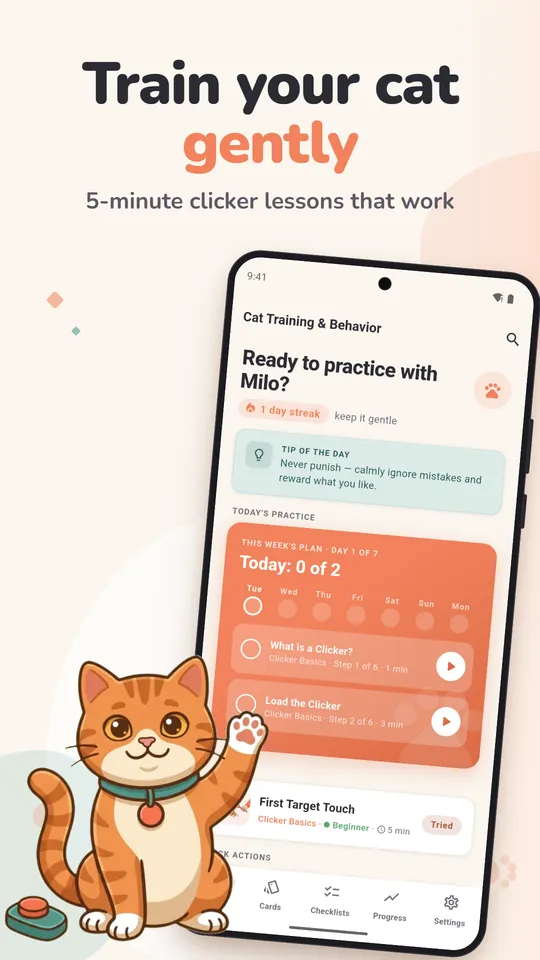
5-minute lessons 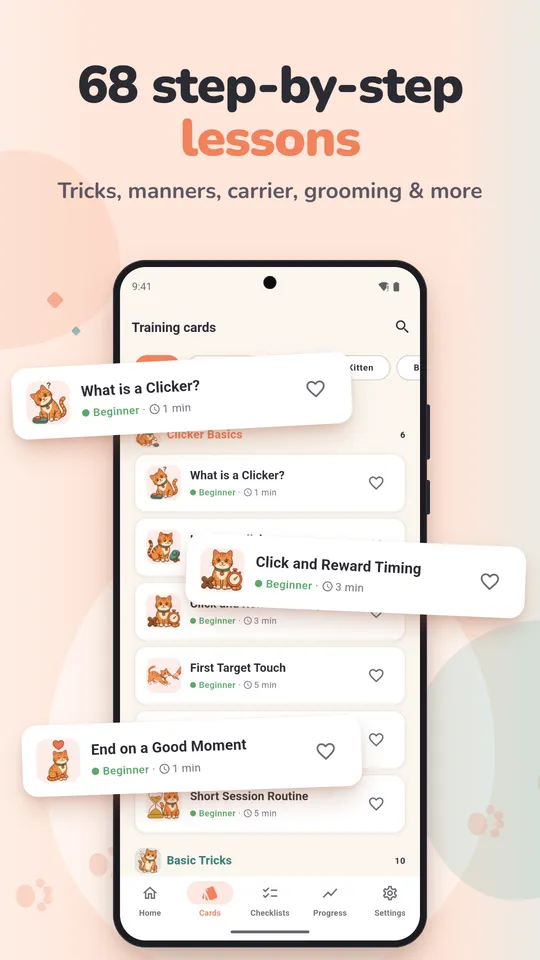
68 lesson cards 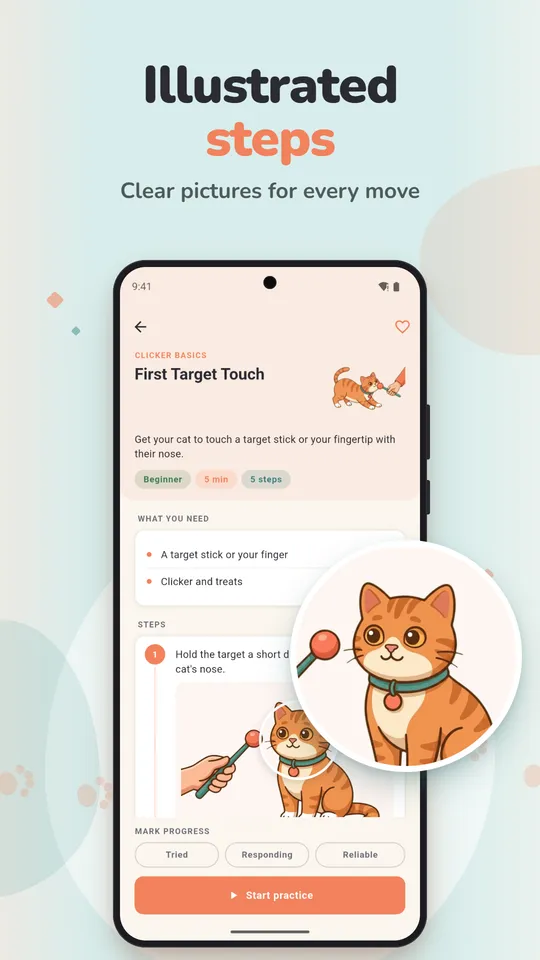
Illustrated steps 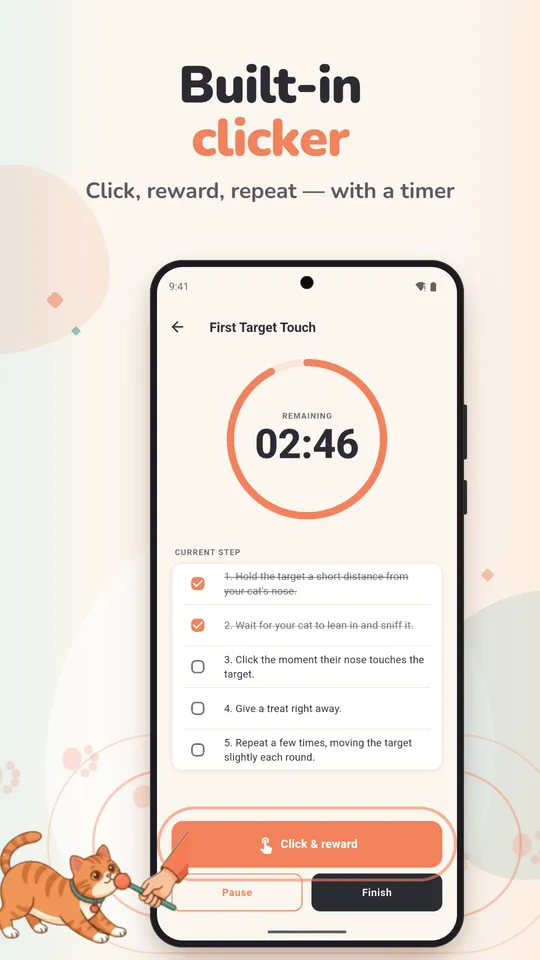
Clicker with a timer 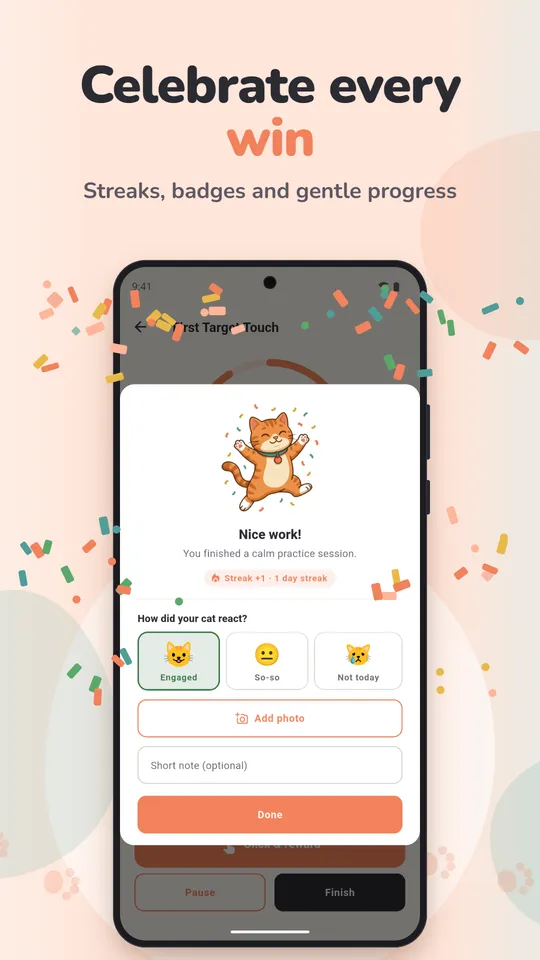
Rate every session 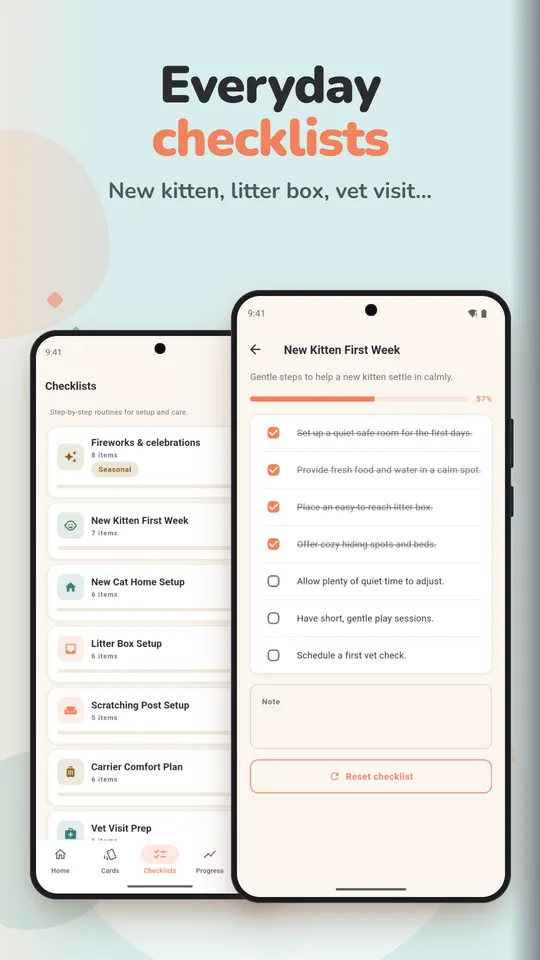
Everyday checklists 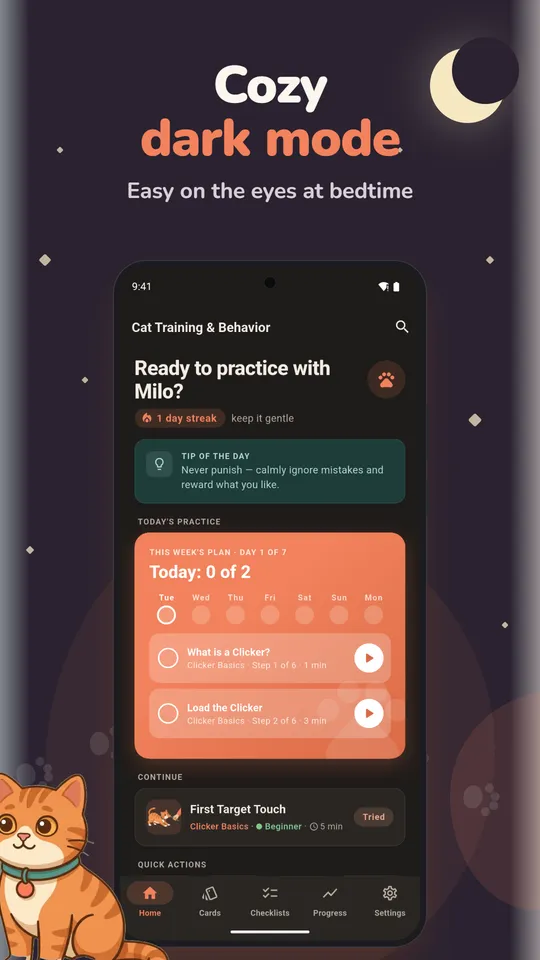
Dark mode 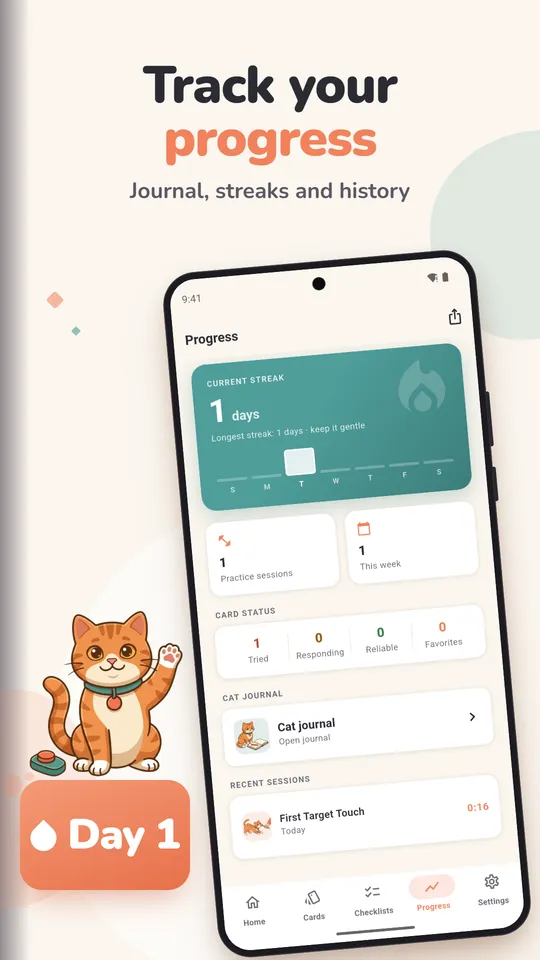
Journal and progress
What clicker training is and why it works for cats
A clicker is a small marker: it makes one short, identical sound that tells your cat “that, exactly that, earned a treat”. Because the click is faster and more precise than a word, you can mark the split second your cat does the right thing, then follow with the reward. Cats learn by what pays off, so a kind, reward-only method works with them where scolding does not.
How to clicker train a cat, step by step
- Load the clicker. Click, then treat, with nothing asked. Repeat over a few short sessions until your cat looks for the treat at the sound.
- Capture something they already do. When your cat sits or looks at you on their own, click and treat.
- Teach a target. Hold a chopstick near the nose, click the touch, treat, hide the stick. Targeting lets you guide your cat anywhere later: onto a mat, off a counter, into the carrier.
- Shape bigger moves. Click small steps toward the goal: a head turn, then a paw lift, then a high five.
- Add the word last. Say “sit” or “come” only once the move happens reliably, just before it starts.
Timing, treats and session length
- Click during the behaviour, not after it. A late click rewards whatever came next.
- One click, one treat, every time, even if you clicked by mistake.
- Use tiny, soft, smelly treats and train before a meal, when your cat is keen.
- Keep it short: one to five minutes, and stop while your cat still wants more. The timer above helps you stop on time.
- If the click startles your cat, use the Soft sound, turn the volume down or move further away.
- Let your cat choose to take part. If they hide, walk off or look stressed, stop and try another day. No punishment, ever.
Common cat behaviour problems, the reward-based way
Most “bad” behaviour is a normal cat need in the wrong place. Give the need a better outlet and reward its use.
| Problem | Try this |
|---|---|
| Scratching the sofa | Put a tall, sturdy post right next to the spot they use, click and treat every time they scratch the post, and cover the sofa corner while the new habit forms. |
| Play biting and ankle ambushes | Play with a wand toy, never hands or feet. End the game before your cat gets wound up, and click calm moments instead. |
| Jumping on counters | Give them an allowed high spot nearby, click and treat when they use it, and keep food off the counter so it stops paying off. |
| Meowing for attention or at dawn | Play and feed before bed, then wait for a quiet moment to give attention. Answering the meow teaches more meowing. |
| Chewing cables and plants | Cover or hide cables, move toxic plants out of the home, and offer safe chew toys or cat grass instead. |
Litter box problems, spraying and sudden changes come first to the vet. Pain, urinary problems and stress often show up as behaviour, and they need treatment, not training.
Cat body language: what your cat is telling you
Reading your cat tells you when to train and when to stop. Look at the tail, ears, eyes and posture together, not one signal on its own.
| Signal | Usually means |
|---|---|
| Tail straight up, tip relaxed | Friendly hello, happy to see you |
| Slow blink | Relaxed and trusting; blink slowly back |
| Ears turned sideways or flat | Worried, annoyed or scared; give space |
| Tail lashing or thumping | Irritated; stop petting or training now |
| Puffed tail, arched back | Frightened; let them retreat |
| Lying belly up | Relaxed, but not always an invitation to touch the belly |
Training a kitten
Kittens learn fast, so the first weeks at home are a good time for gentle handling, touching paws and ears for a treat, short carrier visits that end well, and a scratching post from day one. Keep sessions to a minute or two and let the kitten nap in between.
When to call a vet or a behaviour professional
Call a vet first for sudden behaviour changes, litter box trouble, aggression, signs of pain or a cat that hides much more than usual. For long-standing fear or aggression, ask the vet about a qualified feline behaviour professional. Training helps everyday habits; it does not replace care.
Questions
Can you clicker train a cat?
Yes. Cats learn well with a marker and a treat: the click tells them the exact moment they got it right. Start by loading the clicker, then teach a nose target, and keep each session to a few minutes.
Can I use this online clicker instead of a real one?
Yes. Any short, identical sound works as a marker, as long as a treat follows every click. Keep the same sound for the same cat, and pick Soft if a box clicker startles them.
How long should a cat training session be?
One to five minutes, a few times a day, before a meal. Stop while your cat still wants to play along; the session timer above helps you stop on time.
What treats work best for clicker training?
Tiny, soft, strong-smelling treats your cat loves, small enough to eat in a second. Count them into the day's food so training does not add extra calories.
How do I stop my cat scratching furniture?
Put a tall, sturdy scratching post right next to the spot, reward every scratch on the post, and cover the furniture until the habit moves. Scratching is a need, so give it a better outlet rather than punishing it.
Is the app a replacement for a vet or a behaviourist?
No. It is educational. For sudden behaviour changes, litter box problems, aggression or signs of pain, see a vet first.
Is the app free?
Yes. It is free with ads, has no in-app purchases, needs no account and works offline in 75 languages.

Train a little every day
Free on Android, in 75 languages. No account, no in-app purchases, works offline.
Facts from the Google Play listing, last checked .