Compress a GLB: Draco or Meshopt?
How to shrink a glTF or GLB for the web with glTF Transform, when to pick Draco or Meshopt for geometry, and how to load each one in Three.js.
· 3 min read
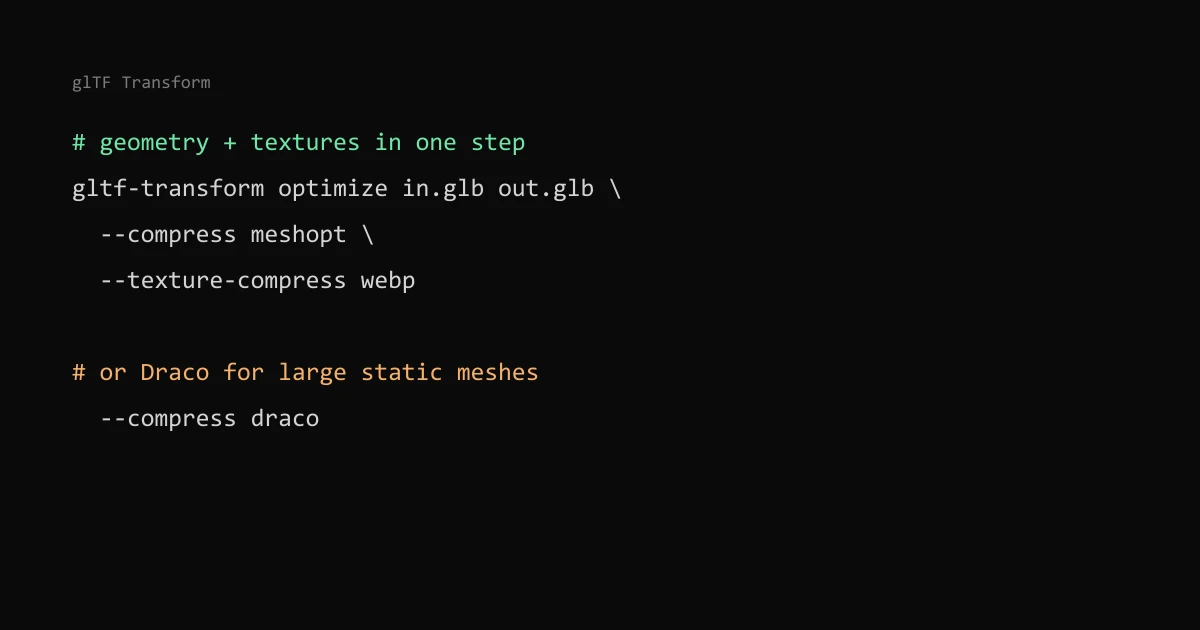
The quickest way to shrink a GLB is one command: gltf-transform optimize in.glb out.glb --compress meshopt --texture-compress webp. Geometry compression (Draco or Meshopt) shrinks the vertex data, and texture compression usually saves more, because in most product models the textures are the bulk of the file.
For the Kasvi AR plant viewer I compressed three photo-scanned plants this way, with Meshopt geometry, WebP textures and light simplification. They went from 6.3, 2.6 and 2.1 MB to 1.4 MB, 865 KB and 396 KB.
Find out what is heavy first#
Before choosing a codec, check where the bytes are. A scanned model with four 4K textures and a modest mesh gains little from geometry compression; a CAD export with millions of triangles and one small texture is the opposite.
My GLB Inspector splits a file into geometry, textures and animation, and shows whether Draco or Meshopt is already applied. It runs in the browser, so the model is not uploaded anywhere.
The command#
glTF Transform is a command-line tool for glTF files. Install it and run optimize:
npm install --global @gltf-transform/cli
gltf-transform optimize input.glb output.glb --compress meshopt --texture-compress webp
The docs show the same command with --compress draco. They also say the defaults may not be ideal for all scenes, so run gltf-transform optimize -h and read the options. Simplification can damage thin parts such as leaves or straps, so look at the result before shipping it.
Draco or Meshopt#
Both are glTF extensions: KHR_draco_mesh_compression and EXT_meshopt_compression. The glTF Transform docs describe Draco as compressing geometry and Meshopt as compressing geometry and animation. The differences I weigh:
| Draco | Meshopt | |
|---|---|---|
| Covers | Mesh geometry | Geometry, morph targets and animation |
| Decoder in Three.js | DRACOLoader, decoder files you host and point to | MeshoptDecoder, a module you import |
| Fits | Large static meshes where the smallest download matters | Animated models, or when you want a simpler setup |
Draco often produces smaller geometry, but decoding takes more CPU time and the decoder files must arrive before the model can appear. Meshopt output is designed to compress further with gzip or Brotli, which static hosts apply anyway. I picked Meshopt for the plants because it needed no extra files to host and the results were small enough. Try both on your own model; the command takes seconds.
Loading it in Three.js#
import { GLTFLoader } from "three/addons/loaders/GLTFLoader.js";
import { DRACOLoader } from "three/addons/loaders/DRACOLoader.js";
import { MeshoptDecoder } from "three/addons/libs/meshopt_decoder.module.js";

const loader = new GLTFLoader();

// Meshopt: pass the module, no files to host
loader.setMeshoptDecoder(MeshoptDecoder);

// Draco: host the decoder files and point to their folder
const draco = new DRACOLoader();
draco.setDecoderPath("/draco/");
loader.setDRACOLoader(draco);
You only need the decoder for the codec your files use. A Draco-compressed model fails to load if the loader has no DRACOLoader, and the error names the missing extension.
Textures: WebP or KTX2#
WebP is small to download, but the GPU still receives the decoded pixels, so a 4096 × 4096 texture takes 64 MiB of video memory as RGBA, more with mipmaps. KTX2 with Basis Universal (the etc1s and uastc options in glTF Transform, loaded with KTX2Loader) stays compressed on the GPU, which matters on phones with many textures. The cost is another transcoder to host and usually lower quality at the same file size.
For a few textures on one product, WebP at a sensible resolution is usually enough. Going from 4K to 2K cuts the pixel count, and so the video memory, to a quarter. For image formats in general see AVIF, WebP or JPEG, and for keeping the loader code out of your main bundle, keeping Three.js out of your main bundle.