Next.js output: export: what breaks
What works and what fails with output export in the Next.js App Router, from images and dynamic routes to redirects, headers and trailing slashes.
· 3 min read
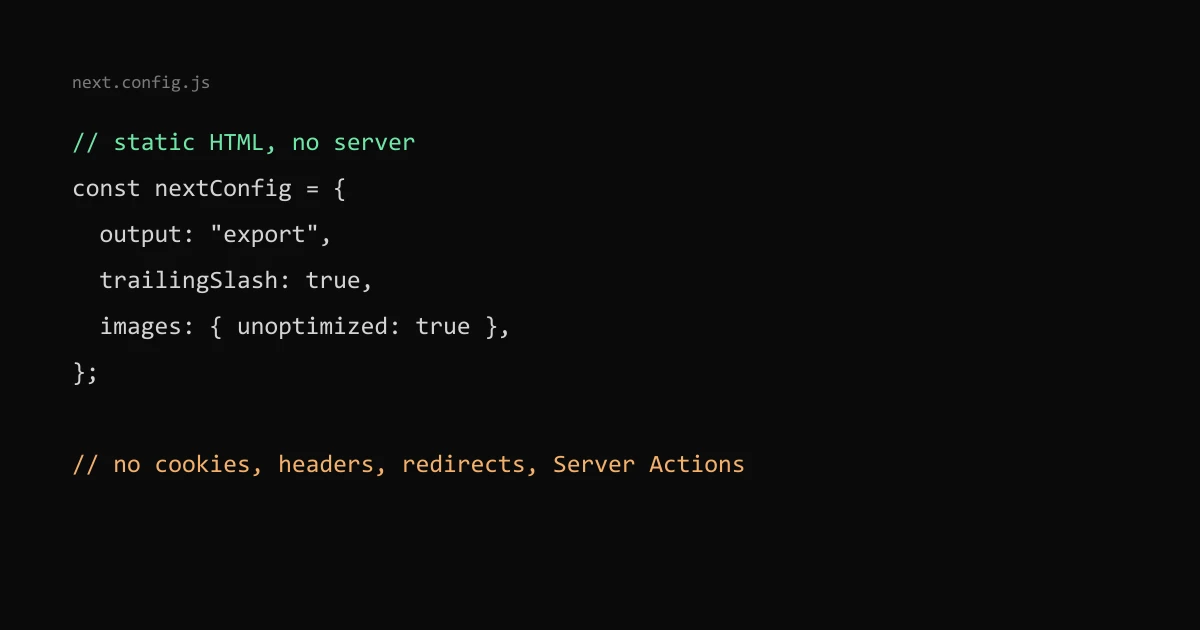
With output: "export" in next.config, next build writes plain HTML, CSS and JS to an out folder that any static host can serve. Server Components still work, because they run at build time. What breaks is anything that needs a server on each request: the default image optimizer, dynamic routes without generateStaticParams, cookies, headers, redirects, rewrites, proxy (middleware) and Server Actions.
This site is built that way. Here is each limit and what I use instead.
The config#
// next.config.js
const nextConfig = {
  output: "export",
  trailingSlash: true,
  images: { unoptimized: true },
};
These three lines match this site's config. trailingSlash: true makes Next.js write /blog/index.html instead of /blog.html, which most static hosts serve at /blog/ without extra rules.
The unsupported list#
The Next.js static export guide lists these as unsupported:
- Dynamic routes with
dynamicParams: true, or withoutgenerateStaticParams() - Route handlers that rely on the request
- Cookies, and the
headers,redirectsandrewritesconfig - Proxy (the file convention that replaced middleware)
- Incremental Static Regeneration and Draft Mode
- Image optimization with the default loader
- Server Actions and intercepting routes
The guide says using any of them in next dev gives an error, so you find out early rather than at deploy time.
Dynamic routes need generateStaticParams#
Every dynamic segment must list its values at build time:
export function generateStaticParams() {
  return listedPosts().map((p) => ({ slug: p.slug }));
}
export const dynamicParams = false;
A slug not returned there has no HTML file, and the host serves 404.html. For content from a CMS, every new page means a rebuild.
Images#
next/image with the default loader needs a server to resize on request, so the build fails until you change it. You have two options: images: { unoptimized: true }, which serves files as they are, or a custom loaderFile that builds URLs for an image CDN, which the guide shows with Cloudinary.
I use unoptimized, make the sizes myself before the build, and write plain <img> tags with srcset, width and height. The srcset and sizes post covers that part.
Headers and redirects#
headers() and redirects() in next.config are not applied to an export, because no Next.js server runs to apply them. Set them on the host instead. On Cloudflare Pages and Netlify that is a _headers file and a _redirects file in the output folder, which you can put in public/. My Cache-Control for a static site post shows a real _headers file.
Route handlers that make files#
A GET route handler still works if it does not read the request. Mark it static and the build writes the response as a file:
// app/data.json/route.ts
export const dynamic = "force-static";
export async function GET() {
  return Response.json({ name: "Lee" });
}
That is the guide's own example; it produces data.json in the output. Generated text files such as llms.txt on a static site can be made the same way.
Browser APIs during the build#
Client components are still prerendered to HTML at build time, where window, localStorage and navigator do not exist. Read them inside useEffect or an event handler, not during render, or the build fails with "window is not defined".
Forms and anything dynamic#
Without Server Actions, a form posts to a third-party endpoint or a separate serverless function. Tools that run entirely in the browser need nothing from a server, which is why the Regex Tester and JSON Formatter on this site fit a static export.